
Shift scheduling guide
How to Create an Employee Schedule
Create an employee schedule with a repeatable 8-step process, a sample roster, availability checks, and practical guidance for changes.
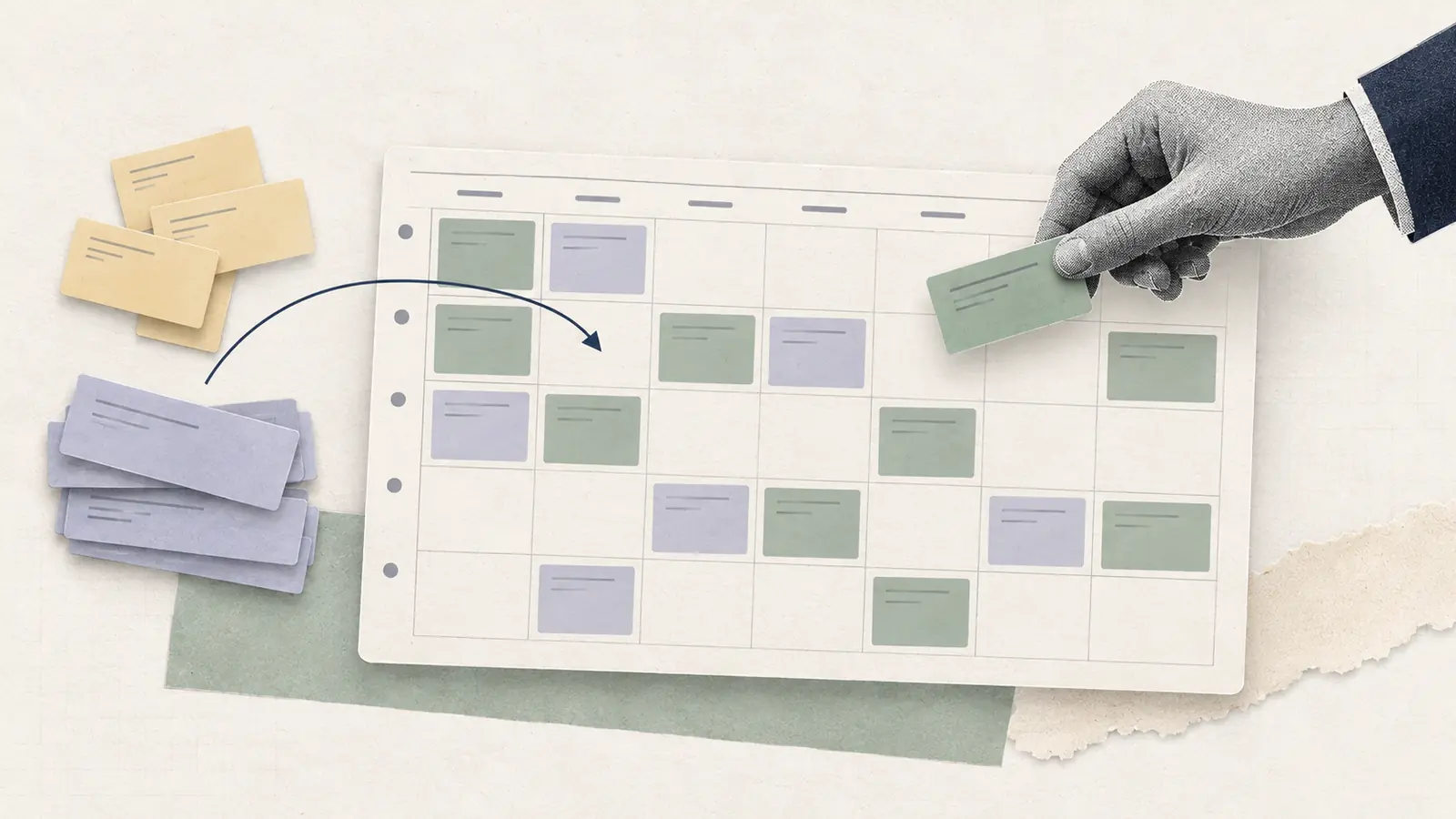
A schedule can look complete and still fail in practice.
Every shift may have a name beside it, while one employee is unavailable, another lacks the required qualification, or an important part of the day is understaffed. Then someone calls out and the schedule changes again.
A reliable shift scheduling process starts with the work that needs to be covered. From there, you can match employees to those requirements and check the complete schedule before publishing it.
Quick answer: How do you create an employee schedule?
Use this sequence:
- Define the coverage you need.
- Collect current employee availability and approved time off.
- Identify the roles, skills, or qualifications each shift requires.
- Choose the schedule structure.
- Assign the hardest shifts first.
- Check the complete schedule for gaps and conflicts.
- Publish one official version.
- Set rules for changes after publication.
The order matters. Assigning employees before defining your requirements often creates extra work later.
How to Create an Employee Schedule
Before assigning anyone, separate your scheduling information into four types:
| Input | Question to answer | Example |
|---|---|---|
| Coverage | What work needs to be staffed? | Three employees from 5 p.m. to 9 p.m. |
| Availability | Who can work then? | Sam is unavailable after 6 p.m. |
| Eligibility | Who can perform the required work? | At least one closing supervisor is needed. |
| Other constraints | What else affects the assignment? | Approved leave, scheduled hours, location, applicable scheduling rules. |
This gives you a simple way to evaluate every assignment before it becomes part of the final schedule.
Step 1: Define your coverage requirements
Start with the work.
For each period, decide how many people you need and which roles must be present.
A retail store might define Saturday coverage like this:
| Time | Employees needed | Required role |
|---|---|---|
| 8 a.m. to noon | 3 | 1 keyholder |
| Noon to 4 p.m. | 4 | 1 keyholder |
| 4 p.m. to 8 p.m. | 3 | 1 closing keyholder |
Base these requirements on expected workload.
For a predictable operation, previous schedules can provide a useful starting point. Check whether demand, opening hours, staffing, or other conditions have changed before reusing them.
When demand varies, look at the information that predicts workload for your business. Depending on the operation, that could include:
- Sales
- Appointments or reservations
- Production volume
- Foot traffic
- Service calls
- Deliveries
- Events
- Seasonal patterns
Our guide to workforce forecasting covers that process in more detail.
Step 2: Collect availability and approved time off
Next, establish when each employee can work.
Use current employee availability, approved time off, and temporary changes that apply during the scheduling period.
Keep four concepts separate:
- Recurring availability: When the employee can generally work
- Preferences: Times they would prefer to work
- Approved time off: Specific periods they will not be scheduled
- Assigned shifts: The hours you ultimately schedule them to work
A preference should not automatically be treated as an availability restriction.
Some restrictions can also involve protected rights or accommodations. EEOC guidance, for example, recognizes modified or part-time work schedules as a possible reasonable accommodation under the ADA when the accommodation would not cause undue hardship.
Step 3: Identify role and qualification requirements
Availability tells you who can be present. You also need to know who can perform the work.
Record the information that actually affects scheduling. Depending on the workplace, that might include:
- Role
- Location
- Department
- Skills
- Certifications or licenses
- Equipment authorization
- Supervisor or keyholder status
Suppose four employees are available for closing, while only one is authorized to close the location. That shift effectively has one candidate for its critical role.
Headcount alone does not tell you whether a shift is properly covered.
Step 4: Choose the schedule structure
Choose a schedule structure that fits the way your business operates.
A team with stable hours may use mostly fixed schedules. Other operations need rotating shifts, nights, split shifts, or schedules that change significantly from week to week.
Use the simplest structure that can provide the coverage you need. Our guide to types of work schedules explains the main options.
You can now create the blank schedule for the period you are planning.
Step 5: Assign the hardest shifts first
Start with the assignments that have the fewest valid candidates.
These often include:
- Shifts requiring a specific certification
- Opening or closing shifts with limited keyholders
- Nights with limited availability
- Busy periods requiring unusually high staffing
- Shifts requiring a supervisor or specialist role
Fill those assignments before the shifts that several employees could cover.
This reduces the chance of using a scarce employee on an easy assignment and later discovering that nobody eligible remains for a difficult one.
Fill the shift with the fewest valid options first.
When several employees are valid for the same shift, use a consistent tie-break order:
- Prefer the option that avoids unnecessary overtime or another scheduling-rule issue.
- Honor stated preferences where practical.
- Balance total hours and repeated undesirable shifts over time.
- If several choices are still equal, use one neutral rule, such as a rotation or the first qualified volunteer.
The exact order can vary by workplace. The important part is to use the same rule for comparable cases so assignments are easier to explain.
Step 6: Check the complete schedule
Once the assignments are made, review the schedule as a whole.
Use this pre-publication check:
| Check | What to verify |
|---|---|
| Coverage | Every required period has enough employees |
| Roles | Required roles, skills, or qualifications are covered |
| Availability | Assignments reflect current employee availability |
| Time off | Approved leave has been accounted for |
| Conflicts | Nobody is double-booked or assigned overlapping work |
| Hours | Scheduled hours and potential overtime exposure have been reviewed |
| Open work | Any uncovered shift is clearly identified |
| Rules | Relevant company and legal scheduling requirements have been checked |
| Version | The schedule has one clear official version |
Run one backup check on scarce roles before publishing. If your only closer, licensed employee, or opener becomes unavailable, identify which coverage period fails first. You do not need a backup employee for every assignment, but knowing where the schedule depends on one person gives you a chance to plan for the most disruptive call-outs.
Under the federal Fair Labor Standards Act, covered nonexempt employees generally qualify for overtime when they work more than 40 hours in a workweek. Scheduled hours are still worth checking before publication because they can reveal likely overtime exposure before the week begins.
If you change an assignment during this check, review the affected constraints again. A replacement can solve the original problem and create a different one elsewhere.
If the checks leave you with no valid assignment, treat that as a staffing problem instead of forcing the grid to look complete. Leave the shift visibly open, look for other qualified coverage, reconsider nonessential coverage if the operation can safely do so, or escalate the staffing gap. Do not override approved time off, qualification requirements, or a restriction tied to an approved accommodation or other protected right just to fill the slot.
Step 7: Publish one official schedule
Employees need to know where the current schedule lives.
A printed schedule, spreadsheet, shared calendar, or scheduling system can all work for the right team. Problems arise when several versions remain in circulation.
Define which version is authoritative and how employees will hear about changes.
Before you settle on a publication deadline, check whether predictive scheduling rules apply to your location, industry, and employer size. In Oregon, for example, covered retail, hospitality, and food-service employers with at least 500 employees worldwide must provide written schedules at least 14 calendar days in advance.
Step 8: Decide how schedule changes will work
Schedules rarely stay untouched after publication.
Employees call out. Availability changes. Workload moves. Someone requests a shift swap, or a coverage gap becomes an open shift.
Set the process before these situations happen.
Employees and managers should know:
- How an employee reports that they cannot work
- How swap requests are submitted
- Who can take an open shift
- Which changes need approval
- Who updates the official schedule
- How affected employees are notified
Once a change is approved, update the schedule everyone is expected to use.
Scheduling workflow
| 1. Define coverage | 2. Add availability & time off | 3. Check roles & qualifications |
|---|---|---|
| 4. Assign hardest shifts first | 5. Validate the schedule | 6. Publish & update |
How many shifts and people for a week?
Enter your opening hours and how many people you need on at once. See how many hours and shifts that adds up to, and whether your team has enough hours to cover it.
Your calculation
This is a planning estimate. Before you publish a real schedule, check who is available, their skills, and any rules that apply.
How this calculation works
Hours to cover = days open × hours open per day × people needed at once. Shifts = hours open per day ÷ shift length (rounded up) × days × people. Having enough total hours does not guarantee the shifts will fit everyone's availability.
Worked example: Building and changing a Saturday schedule
Consider a hypothetical retail store that needs to schedule Saturday.
Its coverage requirements are:
| Time | Coverage needed | Required role |
|---|---|---|
| 8 a.m. to noon | 3 employees | 1 keyholder |
| Noon to 4 p.m. | 4 employees | 1 keyholder |
| 4 p.m. to 8 p.m. | 3 employees | 1 closing keyholder |
These employees are available:
| Employee | Role | Availability | Hours already scheduled |
|---|---|---|---|
| Luis | Keyholder | 8 a.m. to 4 p.m. | 28 |
| Maya | Keyholder | Noon to 8 p.m. | 32 |
| Tasha | Associate | 8 a.m. to 4 p.m. | 24 |
| Ben | Associate | All day | 24 |
| Noor | Associate | Noon to 8 p.m. | 20 |
| Chris | Associate | 8 a.m. to noon | 30 |
First, identify the scarce constraint. The store needs a closing keyholder from 4 p.m. to 8 p.m., and Maya is the only available keyholder during that period. A constraint-first schedule should reserve her for the close.
To show why the validation step matters, suppose the manager ignores that constraint while filling the grid and assigns Maya only from noon to 4 p.m. The first draft looks plausible in an employee-by-day view, but it contains a coverage failure:
| Employee | Saturday assignment |
|---|---|
| Luis | 8 a.m. to 4 p.m. |
| Maya | Noon to 4 p.m. |
| Tasha | 8 a.m. to 4 p.m. |
| Ben | Noon to 8 p.m. |
| Noor | 4 p.m. to 8 p.m. |
| Chris | 8 a.m. to noon |
Now run the same pre-publication checks against the draft.
8 a.m. to noon passes: Luis, Tasha, and Chris provide the required three employees, including a keyholder.
Noon to 4 p.m. passes: Luis, Maya, Tasha, and Ben provide the required four employees, including a keyholder.
4 p.m. to 8 p.m. fails twice. Ben and Noor provide only two of the three required employees, and neither is a closing keyholder.
That is exactly the kind of problem the validation step is meant to catch. Instead of filling the gap with the first available name, return to the constraints. Maya is available until 8 p.m. and is a keyholder. Extending her Saturday assignment from noon to 8 p.m. restores the required headcount and the closing role without changing the rest of the schedule.
Run the checks again after the change. The corrected schedule now passes coverage, role, availability, and conflict checks.
Corrected Saturday schedule:
| Employee | Saturday assignment |
|---|---|
| Luis | 8 a.m. to 4 p.m. |
| Maya | Noon to 8 p.m. |
| Tasha | 8 a.m. to 4 p.m. |
| Ben | Noon to 8 p.m. |
| Noor | 4 p.m. to 8 p.m. |
| Chris | 8 a.m. to noon |
What happens when something changes?
Suppose Noor calls out after the schedule is published.
The 4 p.m. to 8 p.m. period now has only Maya and Ben. Coverage is short by one employee.
The manager can return to the same framework:
- Confirm the uncovered requirement.
- Identify employees who are eligible to fill it.
- Check their current availability.
- Review scheduled hours and other relevant constraints.
- Fill or offer the uncovered shift.
- Update the official schedule.
- Notify the people affected.
There is no need to rebuild Saturday from scratch.
One scheduling input changed. The manager needs to recalculate the part of the schedule affected by that change.
This is one reason clearly defined scheduling inputs matter: they make later changes easier to isolate and solve.
Employee Schedule Template
A weekly template can save time when the same basic scheduling process repeats.
A simple weekly schedule might look like this:
| Employee | Role | Mon | Tue | Wed | Hours |
|---|---|---|---|---|---|
| Employee 1 | Supervisor | 8-4 | 8-4 | Off | 16 |
| Employee 2 | Associate | 10-6 | Off | 10-6 | 16 |
| Employee 3 | Associate | Off | 12-8 | 12-8 | 16 |
That schedule tells you who is working. It does not tell you whether enough people are working.
Add a coverage view:
| Period | Required coverage | Scheduled coverage | Status |
|---|---|---|---|
| Monday morning | 3 | 3 | Covered |
| Monday afternoon | 4 | 3 | Gap: 1 |
| Monday evening | 2 | 2 | Covered |
If certain roles must also be present, track those separately:
| Period | Requirement | Scheduled | Status |
|---|---|---|---|
| Monday close | 1 supervisor | 1 | Covered |
| Tuesday open | 1 keyholder | 0 | Gap |
This makes the template much more useful than a calendar alone.
The coverage view gives you a direct test of whether the assignments satisfy the staffing plan.
Do not automatically copy the previous week’s schedule into a new week. Recheck availability, time off, workload, and staffing requirements first.
Use the editable Employee Schedule Template alongside this guide. It includes a Weekly Schedule tab, a Coverage Check, and an Availability tab so you can compare the roster with the staffing requirement instead of relying on a full-looking grid alone.
Template file: Employee Schedule Template.
Employee Scheduling Best Practices
Set a cutoff for scheduling inputs
Choose a point when availability changes and routine time-off requests should be submitted for the next scheduling period.
The scheduler then has a stable set of inputs to work from. Late changes can be handled through the appropriate exception or change process.
Keep coverage requirements visible
Do not judge the schedule only by how full the calendar looks.
Keep required headcount and critical roles visible while making assignments so gaps are easier to spot.
Recheck changes
When you move or replace an employee, review the affected coverage, eligibility, availability, hours, and conflicts again.
Review what actually happened
After the scheduling period ends, compare the plan with reality.
Look for recurring:
- Understaffing
- Overstaffing
- Call-outs
- Open shifts
- Last-minute changes
- Overtime
- Coverage problems
Those patterns can improve the next schedule.
When a Scheduling Tool Becomes Useful
Spreadsheets and paper schedules can work well for small teams with straightforward scheduling needs.
Management becomes more difficult as you add locations, qualifications, frequent availability changes, shift swaps, open shifts, or more people who need access to the current schedule.
Employee scheduling software can centralize those inputs and automate parts of the checking, publishing, and change process.
The scheduling rules still need to be clear. A tool can only work with the staffing requirements, availability, and eligibility information available to it.
How to Create an Employee Schedule in Excel
For a simple Excel schedule, put employees in rows and days or shifts in columns.
Add:
- Employee role
- Assigned shift
- Weekly scheduled hours
- Any other field needed to understand eligibility
Use a separate section or worksheet for staffing requirements. Compare required coverage with scheduled coverage for each period.
Also decide who can edit the workbook, where the current version is stored, and how employees receive updates.
Those controls become increasingly important once the published schedule starts changing.
Jurisdiction check before publication
Oregon’s official predictive scheduling guidance applies to specified employees of retail, hospitality, and food-service employers with at least 500 employees worldwide, subject to exemptions and other coverage rules; covered employees generally receive written schedules at least 14 calendar days ahead. This is a state-specific example and does not set a national publication deadline. Confirm the employer and worker are covered before applying it.
Final takeaway
Start with the coverage the business needs. Add employee availability, role requirements, and other constraints, then fill the shifts with the fewest valid options first. Check the complete schedule before publication and recalculate only the affected part when something changes. That gives you a repeatable process that is easier to explain, validate, and repair.
Looking for scheduling software?
Tools can make schedule building more reliable
Scheduling software can bring coverage, availability, skills, and changes into one repeatable workflow.