
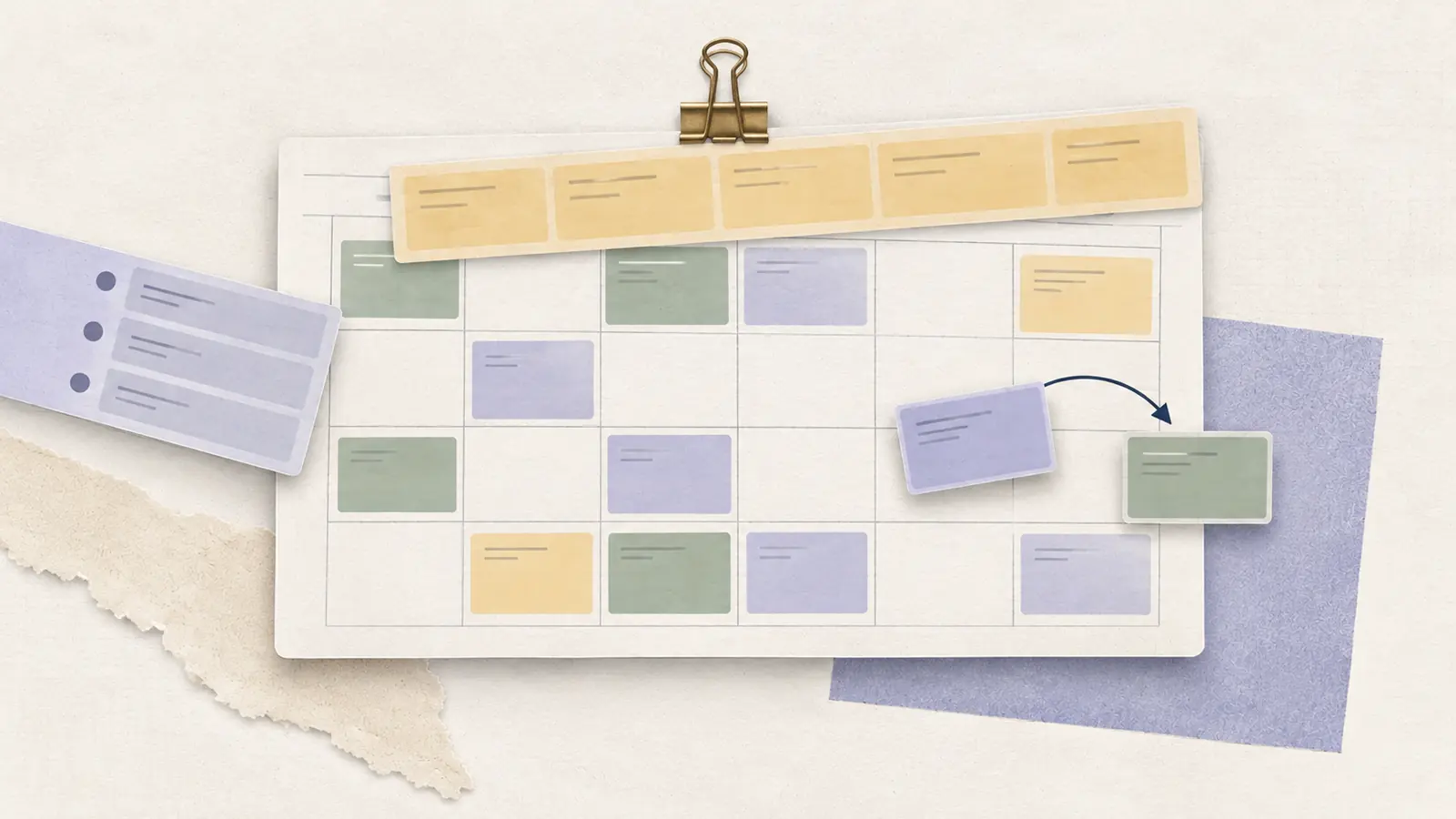
A Friday schedule can look finished on Wednesday and still become unworkable before the weekend. An employee calls out, another requests a shift swap, and the replacement who volunteers is not qualified to close the store. Each change can leave a coverage gap or move a problem elsewhere in the week.
Shift scheduling is the process of building employee coverage and keeping it usable as circumstances change. A workable system specifies which roles are needed at particular times, who is qualified and available, how the schedule is published, and who can approve changes. This guide explains that whole process and points to deeper guides when a specific scheduling problem needs more attention.
What Is Shift Scheduling?
Shift scheduling means planning, assigning, publishing, and updating employee work shifts based on operating hours, staffing demand, availability, and job requirements. A shift is an assigned work period, commonly with a defined start, end, location, and role. Many businesses also record a supervisor, break plan, or specific assignment for each shift.
For a manager, the schedule serves two purposes. It tells employees when and where they are expected to work. It also tells the business whether the necessary coverage will exist when the work happens. A full-looking calendar can fail the second test if everyone is assigned to the wrong hours or lacks a required qualification.
Why Effective Shift Scheduling Matters
Coverage at the right time. A team can have enough scheduled hours in total and still struggle during a busy hour. Think in intervals and required roles, especially when opening, closing, or specialist duties must be covered.
Control of labor and overtime exposure. Labor costs are affected by overlapping shifts, unnecessary coverage, emergency replacements, and the paid hours employees actually work. Under the federal Fair Labor Standards Act overtime framework, covered nonexempt employees generally must receive overtime for hours worked above 40 in a workweek. The workweek is the relevant calculation period, so a manager should not assume that a light week elsewhere offsets overtime in a heavy one. State and local rules may add requirements.
More predictable plans for employees. Clear publication dates and a dependable place to check the current roster help people make arrangements around their jobs. Changes are still possible, but employees should know how to request them and when they become approved.
Safer workload and recovery decisions. The CDC’s NIOSH fatigue guidance explains that night work and long hours can disrupt sleep and affect attention, reaction time, and judgment. OSHA’s fatigue prevention guidance advises employers to examine staffing, workload, scheduled and unexpected absences, and rest opportunities. A schedule that fills every slot can still create a preventable fatigue concern.
How to Create a Shift Schedule
The core workflow can be organized into six decisions. The dedicated guide to how to create an employee schedule walks through the detailed construction process.
1. Define required coverage. Set operating hours and the minimum number of people required per interval, role, location, or qualification. Separate minimum safe/operational coverage from extra capacity for forecast peaks.
2. Gather scheduling constraints. Confirm employee availability, approved time off, employment arrangements, qualifications, and known limits. Use one current set of inputs.
3. Assign the initial shifts. Match eligible employees to the required coverage. Consider shift length, rest between shifts, opening and closing duties, total workweek hours, and fair distribution of less-desirable periods.
4. Check the whole roster. Look for uncovered hours, double-bookings, conflicting availability, missing supervisors, qualification gaps, break coverage, and likely overtime.
5. Publish and communicate. Set a publication date. Show start and end times, assignments, locations, and any on-call or change rules. Make it obvious which version is current.
6. Manage and learn from changes. Handle absences, open shifts, and swaps through an approval process. Confirm coverage after every accepted change, then compare planned staffing with what happened before building the next cycle.
The shift scheduling cycle
Forecast coverage → Collect availability and role requirements → Build the roster → Validate coverage and constraints → Publish → Approve and communicate changes → Review actual results.
A useful final check asks three questions: Who is needed? Who can work? What changes when one assignment moves? The decision table below turns common inputs into manager actions.
Scheduling inputs, failure points, and manager actions
| Scheduling input | What can go wrong | Manager action |
|---|---|---|
| Demand and coverage | Headcount looks sufficient, but the peak hour is short | Check required roles by 30- or 60-minute interval |
| Employee availability | A shift is assigned to someone who cannot attend | Refresh restrictions and approved leave before scheduling |
| Roles and qualifications | A replacement is available but lacks required training | Validate eligibility and critical positions |
| Shift assignments | One employee is double-booked or has an unworkable transition | Check overlaps, total hours, and rest periods |
| Published updates | Different staff members follow different schedule versions | Use one live roster, approvals, and change notifications |
| Actual hours | The planned roster differs from hours worked | Reconcile time records and learn from recurring misses |
A real operational example: Seattle managers handling schedule changes
A 2022 City of Seattle evaluation of the Secure Scheduling Ordinance interviewed frontline managers at retail and food-service businesses. It documented how employee turnover and staffing shortages, variable customer demand, and uneven understanding of local scheduling requirements complicated managers’ decisions. Managers who understood the requirements reported help from organizational training, designated specialists, and scheduling tools configured for the applicable rules. These are findings from a particular jurisdiction and sample, not an estimated nationwide improvement rate or a ready-made scheduling policy.
What managers can use from the example: Establish who owns the roster, give that person current demand and availability information, and review legal requirements before approving an alteration. The hypothetical example below shows how the same change-control principle works as a coverage calculation.
Check your shift coverage
For opening, peak and closing, enter how many people you need and how many you have scheduled. See where you are short before you publish.
Your calculation
This is a planning estimate. Before you publish a real schedule, check who is available, their skills, and any rules that apply.
How this calculation works
Hours needed = people needed × length of the period. Hours short = (people needed − people scheduled) × length of the period, never below zero. Extra people in one period do not make up for a shortage in another.
A Worked Shift-Change Example
The Bureau of Labor Statistics notes that cashiers may pick up additional shifts during holidays or other peak sales periods. That documented operating context is one reason to make changes with a coverage check.
Consider a hypothetical small retail store that requires one duty supervisor and two trained floor workers from 5 p.m. to 8 p.m. A floor worker scheduled from 4 p.m. to 9 p.m. calls out. The original roster now has a role-specific gap for five hours, including the evening peak.
A manager identifies one qualified replacement available from 4 p.m. to 6 p.m. and a second available from 6 p.m. to 9 p.m. Together they cover the missing five-hour shift, provided neither is already booked and both meet the applicable scheduling requirements. After approval, the manager updates the published assignments and confirms that the two-floor-worker minimum is restored across the entire 5 p.m. to 8 p.m. peak.
This is a hypothetical coverage demonstration, not a recommendation to split shifts in every situation. It exposes a useful rule: evaluate replacements against the uncovered role and time interval. A volunteer who cannot cover the critical hour or perform the required job may not solve the actual problem.
Workforce Forecasting for Shift Scheduling
Most teams know their opening hours. The harder question is how staffing needs change within those hours. A restaurant may need additional service employees during dinner. A warehouse may need receiving coverage before a delivery. A call center may need more agents during its busiest contact window.
Workforce forecasting translates anticipated workload, such as reservations, orders, appointments, or incoming cases, into required people or labor hours by interval. The forecast defines the target. The schedule then assigns eligible employees to meet it. Keep both the forecast assumption and the minimum staffing rule visible so a quiet period never erases an essential role.
Employee Availability and Shift Scheduling
Availability answers whether an employee can work a proposed time. It is different from an approved assignment and may differ from the hours the employee prefers. Relying on a message from last month or an outdated spreadsheet can put a qualified person into a shift they cannot accept.
Build a clear deadline for employee availability updates, and distinguish recurring limits from one-time requests. Confirm time off before preparing the next roster. If availability changes after publication, require a documented request and verify coverage before treating the change as final.
Types of Work Schedules
The best structure depends on when work happens and how stable the demand is. Common types of work schedules include fixed shifts, split shifts, compressed workweeks, night shifts, flexible arrangements, and rotating schedules. These labels describe different aspects of the working pattern, so a fixed night shift can belong to two categories at once.
A simple recurring pattern may be suitable for stable weekday demand. Operations that run across evenings and weekends need more careful treatment of staffing overlaps, handoffs, and employee recovery. Start with the coverage window before choosing a familiar-looking shift pattern.
Rotating Shift Schedules
With rotating shift schedules, employees move through different work periods or shift times according to a repeating cycle. Four crews might share continuous day and night assignments over several weeks. Rotations can spread overnight and weekend duties, but the complete cycle must be checked for uncovered hours, unusually long stretches, and rest between assignments.
The label of a rotation does not establish its feasibility. Managers need to know the number of qualified teams, shift length, handoff rules, and who covers absences. The linked guide shows specific patterns and the arithmetic behind them.
Managing Open Shifts and Coverage Gaps
An open shift is a defined shift that still needs an assigned eligible employee. It can arise during initial planning or after a cancellation. Managers should distinguish a genuinely unfilled role from an optional extra shift created to provide more capacity.
An open shifts process works best when the opening includes the location, start and end, required skills, and any approval condition. Once claimed and approved, the shift should move onto the shared schedule. Check the employee’s other assignments before closing the gap.
Shift Swaps and Schedule Changes
A shift swap allows employees to exchange scheduled assignments, usually subject to the team’s rules. Employees may request one because of appointments, childcare, transport, or a conflict that arose after publication.
An agreed exchange should not automatically become the final roster. The manager may still need to check qualifications, staffing levels, workweek hours, and notification requirements. Give every request a clear status, then publish the approved result in the same place as the original schedule.
Scheduling Conflicts
Common scheduling conflicts include overlapping assignments, shifts given to unavailable employees, a worker booked at two sites, inadequate coverage for a required role, and replacements that cause a new rest or overtime problem.
Run a conflict check during the initial schedule build and after each material edit. The easiest mistake to make is solving the most visible gap without checking the consequences for the rest of the roster. A useful sequence is identify the conflicting requirement → make the smallest valid adjustment → recheck the affected employees and time blocks.
Scheduling Laws and Compliance
Scheduling requirements depend on the employee’s location, employer type, worker category, and circumstances. Managers should check both wage-and-hour obligations and scheduling-specific rules where applicable. A standardized national schedule-change policy cannot substitute for verifying the rules that apply at each location.
Predictive Scheduling Laws
Some jurisdictions have predictive scheduling laws that can regulate advance schedule notices, changes, additional hours, or other aspects of predictability for covered employees. Coverage and obligations vary. Check the current official state or local rule before assuming a particular notice period or penalty applies.
Fair Workweek Laws
Fair Workweek laws are closely related scheduling protections in certain jurisdictions. Depending on the rule, they may address advance notice, schedule changes, and access to hours. Our separate guide is intended for jurisdiction-specific applicability checks. Software alerts cannot determine legal coverage or guarantee compliance.
Employee Scheduling Best Practices
Make coverage visible by role and interval. Avoid approving a roster solely because every employee has enough hours or every row contains a name.
Use a repeatable publication and change process. Employees need one authoritative schedule and a known route for reporting unavailability, requesting time off, proposing swaps, and claiming approved open shifts.
Keep a qualified backup plan. For hard-to-fill roles, identify potential relief coverage before the busiest period arrives. Replacements should still be evaluated against the same constraints as original assignments.
Measure what changed. Review planned versus actual staffing, unfilled intervals, last-minute edits, overtime, and demand misses. Look for recurring patterns rather than reacting to a single unusual week.
Build a version history. Record who approved a substantial change, when the team was notified, and which assignment it replaced. For covered employers, accurate records of actual hours worked remain necessary under the U.S. Department of Labor’s FLSA recordkeeping guidance. A planned roster is not itself proof of actual hours worked.
Guides in This Section
| Manager task | Relevant guide |
|---|---|
| Create a reliable roster | How to Create an Employee Schedule |
| Collect availability | Employee Availability |
| Manage approved shift trades | Shift Swaps |
| Fill role-specific vacancies | Open Shifts |
| Prevent double-bookings | Scheduling Conflicts |
| Choose a working pattern | Work Schedule Types |
| Understand multiweek rotations | Rotating Shift Schedules |
| Estimate upcoming staffing needs | Workforce Forecasting |
When Manual Scheduling Becomes Difficult
A shared spreadsheet can be enough when the team is small and shifts rarely change. Multiple locations, frequent swaps, qualification requirements, and several managers editing the same roster create more opportunities for conflicting versions. At that point, employee scheduling software may help centralize approvals, availability, and the current schedule. Businesses with simpler needs can use our employee scheduling software comparison to shortlist options, then confirm whether an ongoing free tier supports their workflow.
Frequently Asked Questions About Shift Scheduling
How can employee shift scheduling be automated?
Scheduling tools can build or suggest assignments from staffing requirements, availability, role rules, and other inputs. The output still needs checks for qualification, coverage, hours, and any applicable requirements. Automation is only as dependable as the underlying data and configuration.
How far ahead should managers publish schedules?
Choose a consistent publication deadline that allows employees to make plans and managers to confirm availability. The required lead time, where one exists, depends on the applicable jurisdiction and covered workforce. Always check the current rule rather than relying on a generic number of days.
Who should approve a last-minute schedule change?
The team should designate an accountable manager or supervisor, with a backup for urgent periods. Employee agreement to an exchange does not remove the need to check coverage, role eligibility, work hours, and notification requirements.
The Shift Scheduling Process at a Glance
Required demand and post coverage → Current availability and role eligibility → Draft assignments → Gap and conflict check → Publication → Approved changes → Review actual results.
For each change, rerun the coverage and qualification checks for both the affected shift and any replacement assignment. A published name does not prove a required post is covered.
The Bottom Line
The schedule is a living operational plan. Before the next cycle, identify which time blocks and qualifications are essential, confirm availability, and decide how changes will be approved and communicated. The strongest process is one that lets a manager restore coverage without losing track of the rest of the week.
Source-backed manager research
City of Seattle Auditor: Secure Scheduling Ordinance, 2022 Employer Implementation Report
Sources and Further Reading
CDC/NIOSH: Fatigue and Work
OSHA: Long Work Hours, Extended or Irregular Shifts and Worker Fatigue, Prevention
U.S. Department of Labor: Fact Sheet #23, Overtime Pay Requirements
U.S. Department of Labor: Fact Sheet #21, Recordkeeping Requirements