

What is employee scheduling software?
Employee scheduling software helps managers create, publish, update and communicate work schedules. Most products provide a calendar or shift builder for assigning employees to times, roles and locations. Stronger tools also manage availability, time off, open shifts, shift swaps, notifications, qualifications, labor costs and scheduling rules.
The software is one part of the broader employee shift scheduling process. Managers still need to decide staffing demand, coverage, roles and qualifications before the system can build or maintain a useful schedule.
How we evaluated these employee scheduling apps & software
We use structured meta-review research rather than hands-on testing. For objective facts, we checked current vendor pricing pages, help centers, product documentation and integration directories. For real-world experience, we used recent scheduling-relevant reviews from sources including G2, Capterra and mobile app stores where useful.
The ranking uses six criteria: post-publication changes and employee self-service (25%), core schedule creation and control (20%), usability and adoption (15%), reliability and mobile execution (15%), operational depth and scalability (15%), and value and pricing fit (10%).
Each product receives a 1-to-5 score on every criterion. The weighted internal score determines rank and is converted to the 10-point public score shown here. If two products remain equal after the primary criterion and core scheduling are compared, we publish a tie.
A product could rank only if it offered native employee scheduling to US buyers, allowed managers to create and publish schedules, gave employees digital schedule access, and had enough current objective and scheduling-relevant user evidence to evaluate fairly.
Best employee scheduling apps & software

Workforce.com
Best for: Demand-driven, multi-location scheduling

- AI Rota Agent and predictive scheduling
- Demand-to-headcount forecasting
- Open-shift pickup and true swaps
- Skills, qualifications and seniority rules
- Multi-location scheduling and compliance controls
Workforce.com is the strongest fit in this comparison for organizations coordinating variable demand, multiple locations, labor rules and qualification requirements at the same time.
Pros
- Excellent demand-driven scheduling depth
- Strong qualification and compliance controls
- Flexible employee self-service
Cons
- No public numeric pricing
- More implementation and configuration than a lightweight scheduler
Workforce.com earned the top position because its scheduling depth extends well beyond building a weekly rota. Managers can connect staffing demand with headcount needs, use predictive or AI-assisted scheduling, enforce qualification and eligibility rules, and coordinate staffing across locations. Employees can manage availability, claim vacant shifts and make one-to-one swaps, which gives the platform strong coverage after the schedule has been published.
That depth is most useful when scheduling has real operational complexity. Recent scheduling-specific reviews were generally positive about rota building and rule configuration, but a system with this much configurability naturally requires more setup than a simple scheduler. The lack of public numeric pricing also makes it harder to compare total cost without talking to sales. Smaller teams that mostly need shift publishing, availability and occasional swaps can get a more straightforward buying experience elsewhere.

Agendrix
Best for: Flexible shift changes and seniority-aware coverage
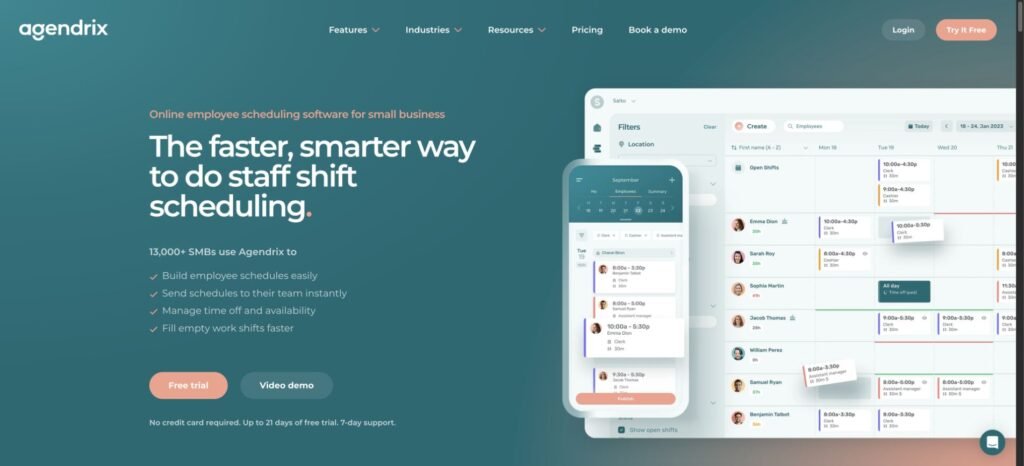
- Open shifts and shift offers
- True swaps with configurable approval
- Automatic assignment
- Seniority-aware coverage
- Recurring availability and multi-location scheduling
Agendrix is especially strong when the published schedule changes often and the organization needs structured replacement workflows without moving into a heavyweight enterprise platform.
Pros
- Excellent shift-change workflows
- Useful seniority logic
- Strong scheduling depth without full enterprise-WFM complexity
Cons
- Some advanced functions add cost
- The recent detailed review sample is smaller and more incentive-heavy than several competitors
Agendrix scored particularly well for what happens after publication. Employees can work with open shifts, offers, swaps, availability and leave, while managers retain control over approvals. Its seniority-aware offer workflows are a meaningful distinction for workplaces where assignment order matters. Automatic assignment and multi-location scheduling give it more depth than a basic SMB rota tool, without making the product feel designed only for enterprise workforce-management teams.
The main caution is evidence depth rather than a major product gap. Current reviews are broadly positive about scheduling efficiency and shift changes, but the recent detailed sample is smaller and contains more incentivized or vendor-referred material than some larger competitors. Pricing is relatively approachable, although add-ons can change the real monthly cost. Buyers that need deep demand forecasting, optimization or qualification-heavy scheduling should compare the more advanced WFM platforms as well.

Connecteam
Best for: Deskless teams that want scheduling plus broader operations

- Open shifts
- True swaps with configurable approval
- Availability and PTO
- Skills and qualification-aware scheduling
- Multi-location controls
- Expert-tier auto-assignment and AI scheduling
Connecteam is a strong fit when the same deskless workforce needs scheduling, time tracking, communication and other frontline workflows in one system.
Pros
- Strong scheduling and employee self-service
- Flat pricing for the first 30 users
- Broader deskless operations tools in the same platform
Cons
- Important scheduling capabilities are plan-gated
- More product breadth than a scheduling-only buyer may need
Connecteam earned a tie for second through a combination of strong post-publication workflows and broad scheduling controls. Employees can pick up open work, offer shifts to qualified teammates or complete true shift swaps, while managers can decide when approval is required. The scheduler also supports recurring shifts, templates, bulk actions and multi-schedule management. Higher tiers add automatic assignment and AI-assisted scheduling.
The pricing model can be attractive for teams near or below 30 users because the main plans use a flat base price for that group. The trade-off is plan gating. Dedicated swaps require Advanced, and some of the strongest automation sits on Expert. Current scheduling reviews are mostly positive about setup and day-to-day use, with occasional navigation, notification and app-speed complaints. Buyers who only want the cheapest standalone scheduler may prefer a narrower product.

When I Work
Best for: Low-cost hourly scheduling with strong employee self-service
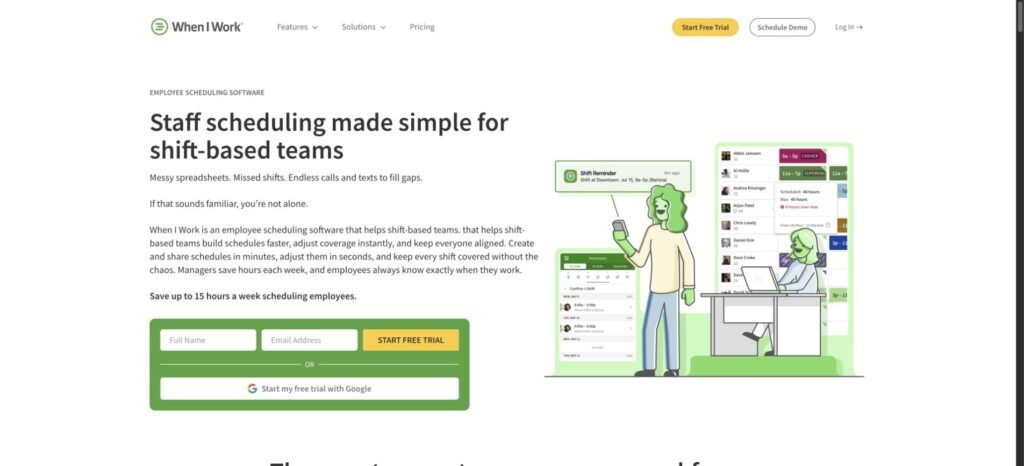
- Auto Scheduling
- OpenShifts
- Shift releases and true swaps
- Multi-week and multi-location scheduling
- Forecasting
- Availability and time off
When I Work offers one of the best combinations of scheduling depth, employee self-service and transparent entry pricing for hourly teams.
Pros
- Strong core scheduler at a low public price
- Excellent employee self-service
- Useful automation available on lower tiers
Cons
- Recurring mobile and notification complaints
- Some advanced sharing, forecasting and API functionality requires higher tiers
When I Work scored at the top for both post-publication changes and core schedule creation. Employees can submit availability, request time off, pick up OpenShifts, release shifts and swap them, and managers can configure approval behavior. The scheduler also includes templates, multi-week planning and auto scheduling, so teams do not need to move immediately to a premium tier for basic automation.
The main weakness is reliability rather than feature depth. Recent reviews repeatedly mention mobile freezing, stale schedule views, notification friction and occasional awkwardness around swaps or open shifts. Buyers with several locations also need to confirm the correct rate because the entry Essentials price is not necessarily the applicable multi-location price. Qualification and certification scheduling is less clearly differentiated than on the strongest WFM products.

7shifts
Best for: Restaurant teams

- Shift Pool and open-shift workflows
- True swaps
- Restaurant-specific POS forecasting
- Labor planning
- Role and skill controls
- Multi-location scheduling
7shifts is the clearest choice in this ranking for restaurant operators that want scheduling tied closely to labor planning and POS-driven demand.
Pros
- Excellent restaurant specialization
- Strong forecasting and labor planning
- Mature employee shift-change workflows
Cons
- Advanced optimization and skill-aware features require paid upgrades
- Non-restaurant businesses may pay for specialization they do not need
The product’s strength comes from restaurant specificity. Managers get scheduling workflows built around restaurant roles, coverage and sales-driven labor planning, while employees can work with availability, open shifts and swaps. POS integrations and restaurant forecasting give 7shifts an advantage for operators that want staffing decisions to reflect expected demand rather than only employee availability.
That specialization also defines the trade-off. A retail, field-service or general office buyer may find little value in restaurant-specific workflows and integrations. The strongest forecasting, optimization and skill-aware scheduling capabilities also sit above the free plan. Current reviews are broadly positive, although occasional loading, logout and app-clutter complaints appear in the recent evidence. Restaurants should look closely at which paid tier includes the labor controls they actually need.

Deputy
Best for: Automated scheduling and coverage workflows
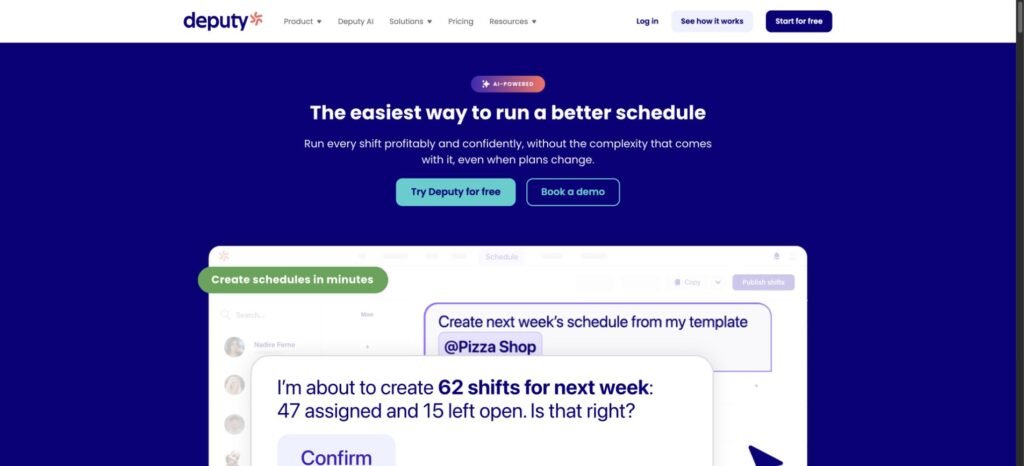
- Auto-scheduling
- Demand forecasting
- Open-shift pickup
- True swaps with configurable approval
- Skills and qualifications
- Multi-location and compliance controls
Deputy is one of the strongest general-purpose schedulers for teams that want automation, employee self-service and deeper operational controls in the same product.
Pros
- Deep scheduling automation
- Strong coverage and qualification workflows
- Broad payroll and POS integration ecosystem
Cons
- Mobile slowness and schedule-loading complaints recur in current reviews
- Per-user pricing can add up at larger headcounts
Deputy scored highly because its automation is backed by strong day-to-day coverage workflows. Managers can generate schedules, account for demand, use qualifications and location rules, and work across multiple sites. Employees can claim open shifts, swap work and manage common schedule changes without forcing the manager to rebuild the rota manually. Its payroll and POS connections also make it easier to place scheduling inside a broader operating stack.
The main weakness in the current evidence is mobile execution. Recent reviews include recurring reports of lag, slowness and occasional schedule-loading or display failures. Price is another consideration for larger low-hours workforces because every additional employee increases the monthly bill. Teams that need strong scheduling automation will find plenty to like, but should test the employee mobile experience carefully before rollout.

Humanity Schedule
Best for: Automated last-minute coverage for larger hourly teams
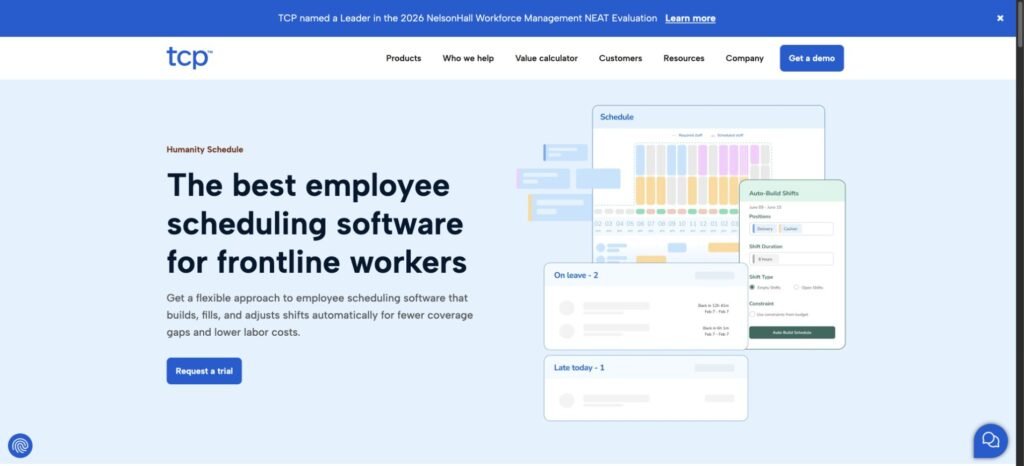
- Auto-fill and demand planning on Professional
- Open-shift pickup
- True swaps
- Skills and certifications
- Seniority rules
- Compliance controls
Humanity is well suited to larger hourly operations where managers need structured coverage, qualifications and last-minute replacement tools.
Pros
- Strong replacement and coverage workflows
- Good automation for larger hourly teams
- Useful qualification and compliance depth
Cons
- Advanced functionality requires Professional or higher
- Current reviews mention mobile and workflow friction
Humanity combines strong post-publication workflows with deeper workforce controls than many simpler schedulers. Employees can work with availability, open shifts and swaps, while Professional adds auto-fill, demand planning, skills, certification and seniority controls. That makes the product useful when a coverage gap cannot be filled by simply assigning any available employee.
The main trade-off is that much of the advanced value sits above Essentials. Current reviews also mention mobile clunkiness, product-view transition friction, reporting or integration gaps and some complexity in larger-team workflows. Very small organizations may find the setup and feature depth unnecessary. For bigger hourly teams that regularly deal with replacements, labor rules or qualification constraints, the added structure is easier to justify.

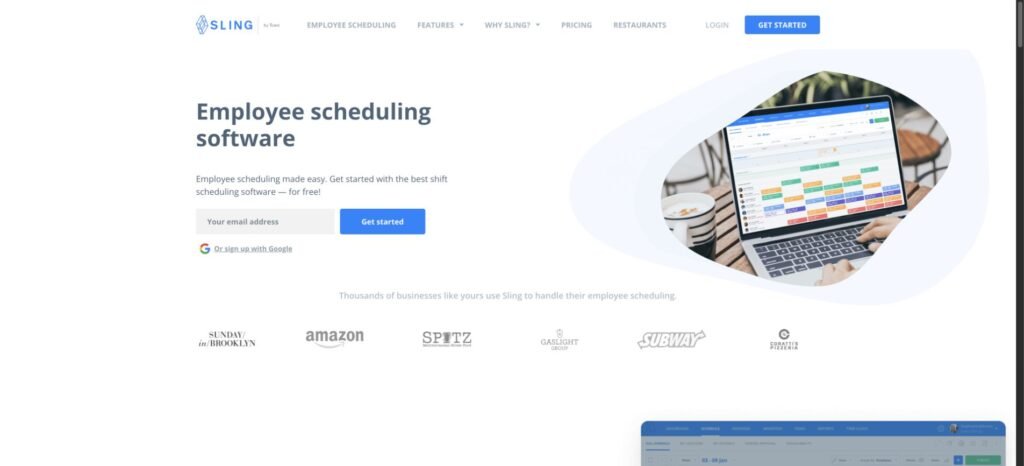
Sling
Best for: Budget-conscious teams that need flexible shift exchanges
- Open shifts
- True swaps on Premium
- Auto-scheduling on Business
- Multi-location scheduling
- Labor controls
- Team communication
Sling gives smaller and budget-conscious teams a lot of scheduling functionality before the monthly cost becomes significant.
Pros
- Very low cost
- Strong employee shift-exchange workflows
- Useful scheduling and communication in one app
Cons
- Advanced automation and labor controls require paid tiers
- Current reviews report notification and mobile reliability issues
The free plan supports up to 30 users, which is unusually generous for a scheduler that also includes communication tools. Employee schedule changes are a particular strength. Open shifts and exchanges help teams handle real-world changes without relying entirely on manager intervention, and paid tiers remain inexpensive compared with many per-user competitors.
The compromise is depth and reliability. Business is required for auto-scheduling, while formal qualification scheduling and advanced demand forecasting are not as well established as they are on higher-ranked WFM products. Multiple current reviews also report delayed or missed notifications, mobile loading or chat friction and calendar-sync issues. Sling makes the most sense when price and flexible shift exchanges matter more than sophisticated optimization or compliance logic.

Quinyx
Best for: Enterprise scheduling with complex labor rules

- AI and ML scheduling
- Demand forecasting
- Open-shift pickup
- True swaps
- Skills and certification matching
- Multi-unit scheduling and compliance controls
Quinyx is designed for enterprise workforce scheduling where optimization, labor rules and multi-unit complexity matter more than a simple self-serve purchase.
Pros
- Advanced scheduling optimization
- Deep labor-rule controls
- Strong fit for complex multi-unit operations
Cons
- Opaque pricing and sales-led buying process
- Current Android evidence includes recurring login and context issues
Quinyx brings advanced forecasting and optimization into a broader workforce-management environment. It can connect demand planning with scheduling, account for skills and certifications, support open-shift and swap workflows, and manage complex labor rules across multiple units. Those capabilities make it a serious option for organizations with staffing constraints that exceed the needs of a typical SMB rota.
The product is harder to evaluate for smaller or price-sensitive buyers because pricing is not transparent and the commercial process is sales-led. Current Android evidence also includes repeated logout or re-authentication complaints, along with a report that open-shift offers can omit useful location context. The scheduling engine is sophisticated, but implementation and buying friction are part of the overall decision.

Homebase
Best for: US small businesses with straightforward hourly scheduling

- Availability
- Open shifts
- True swaps with manager approval
- AI scheduling on Plus
- Seniority controls on Plus
- Demand forecasting on All-in-One
Homebase is one of the easiest products to shortlist for a US small business that needs practical hourly scheduling without enterprise implementation overhead.
Pros
- Very approachable for US small businesses
- Useful free plan
- Strong everyday scheduling and employee self-service
Cons
- Advanced scheduling is spread across higher tiers
- Per-location pricing can become expensive across several sites
The product covers the workflows most small hourly teams need: availability, open shifts, swaps and multi-location scheduling, with higher tiers adding AI scheduling, forecasting and more labor controls. The free Basic plan also gives very small teams a realistic entry point rather than a short trial.
The pricing model becomes less attractive as the business expands because charges are location-based and several advanced capabilities require Plus or All-in-One. Current reviews also contain recurring sync, refresh and minor app-friction reports. Homebase is strongest when the business values simple setup and familiar US small-business workflows. A rapidly growing multi-location operator should model the full location cost before committing.

ZoomShift
Best for: Simple low-cost scheduling for smaller teams

- Availability and time off on Starter
- Open-shift pickup
- Shift covers
- Unlimited locations on Starter
- Auto-scheduling on Premium
- Basic skills support
ZoomShift works best for smaller teams that want inexpensive scheduling and employee self-service without the complexity of a larger workforce platform.
Pros
- Low price and usable free tier
- Straightforward scheduling workflow
- Premium adds automation without a large price jump
Cons
- True paired swaps are not clearly documented
- Qualifications, advanced forecasting and compliance controls are limited or unverified
The free plan covers up to 20 users and one location, although scheduling is limited to two weeks ahead. Starter removes that restriction and adds templates, availability, time off, shift covers, a time clock, PTO and unlimited locations. Premium adds auto-scheduling, so teams can move into automation without reaching enterprise-level pricing.
The limitations appear when scheduling rules become more complex. Current documentation does not clearly establish true paired shift swaps, and qualification scheduling, advanced demand forecasting and deeper compliance controls are limited or not verified. Recent review evidence is generally positive about simplicity, but the Android signal is weaker than the headline app-store rating suggests. ZoomShift fits simple scheduling very well and has a lower ceiling for complex operations.

Humanforce
Best for: Qualification- and compliance-heavy frontline operations

- Qualification and expiry-aware scheduling
- Open-shift bidding
- True swaps
- Demand forecasting
- Multi-location scheduling
- Rest, overtime and compliance controls
Humanforce is a good fit when assigning the right qualified person matters as much as filling the shift itself.
Pros
- Excellent qualification and compliance depth
- Strong frontline workforce-management functionality
- Good employee shift-change workflows
Cons
- More complex admin experience
- Current mobile evidence includes missed notifications, lag and crashes
Humanforce handles scheduling scenarios that simpler products often cannot. Managers can account for qualifications and expiry dates, use strong rest and overtime controls, work across locations and support open-shift bidding and swaps. This makes the product attractive for frontline operations where an available worker still may not be eligible to take a particular shift.
The trade-off is complexity. Pricing is custom, the administrative experience is heavier, and current Humanforce Work evidence includes missed shift notifications, lag and crashes. AI Smart Scheduling is also still limited in current US availability. The product is difficult to justify for a small team that mainly needs a shared rota. Its value becomes clearer when compliance, qualifications and labor rules create genuine scheduling risk.

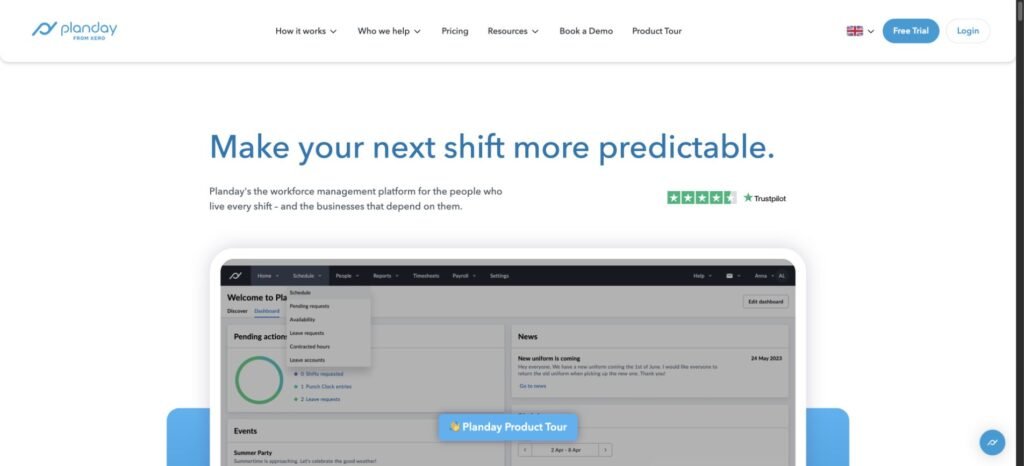
Planday
Best for: Multi-location teams needing skills-aware scheduling and self-service
- Open shifts
- True swaps
- Availability and time off
- Skills and certification eligibility on Plus
- Multi-location scheduling
- Pro auto-scheduling and demand planning
Planday offers a useful mix of employee flexibility and skills-aware scheduling for multi-location teams, but pricing transparency and Android reliability hold it back.
Pros
- Strong employee self-service
- Useful skills and multi-location controls
- Solid integration depth on Plus
Cons
- Public US pricing is opaque
- Current Android evidence contains repeated reliability complaints
Employees can work with open shifts, shift requests, swaps, availability and time off, which gives Planday strong post-publication flexibility. Plus adds skills, certifications, integrations and API access, while Pro adds auto-scheduling and demand planning. That combination is useful for organizations that need more than a basic rota without moving fully into enterprise WFM.
The biggest buying friction is transparency. Verified public US-dollar pricing is unavailable, and advanced features require higher plans. Current Android evidence also contains repeated freezing, logout, notification and schedule-visibility complaints. Manager-side reviews describe scheduling as straightforward, so the reliability concern should stay focused on mobile rather than being generalized to the entire product.

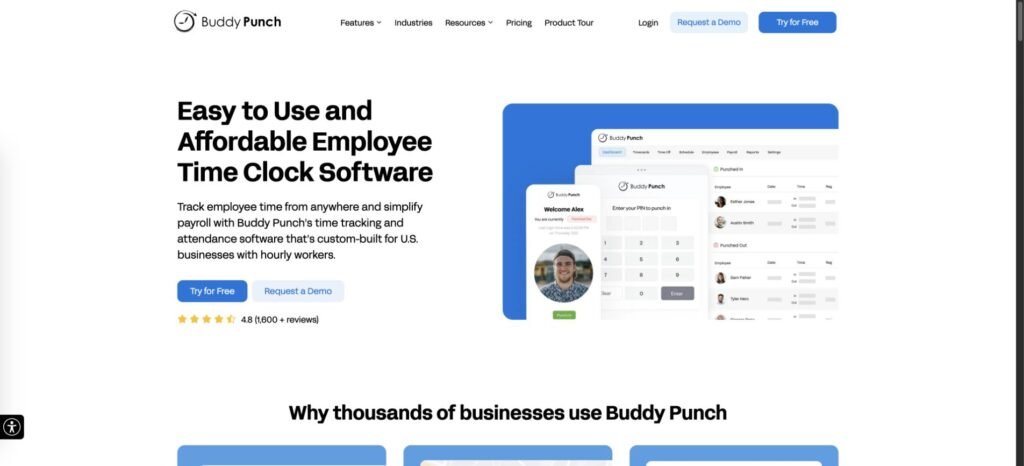
Buddy Punch
Best for: Time-clock-first teams that also need scheduling
- Web and mobile schedule creation
- Recurring shifts
- Employee availability
- Shift trades and covers
- Multi-location scheduling
- Payroll integrations and API access
Buddy Punch is most compelling when time tracking is the primary purchase and scheduling is an adjacent requirement.
Pros
- Straightforward for existing time-clock buyers
- Strong payroll and API ecosystem
- Solid scheduling basics
Cons
- Employees cannot self-claim open shifts
- No native auto-scheduling or demand forecasting
The scheduler covers the basics well enough for many existing Buddy Punch customers. Managers can create schedules on web or mobile, use recurring shifts, track availability and support trades or covers. Multi-location scheduling and strong payroll connectivity also help the product fit into a time-and-attendance workflow.
It ranks lower because the scheduling layer is less capable than the specialist products above it. Employees cannot self-claim open shifts, and native auto-scheduling and demand forecasting are absent. Pricing also includes a monthly base fee and per-user charges, with scheduling adding another fee on Starter. Teams shopping primarily for employee scheduling can find deeper automation and self-service elsewhere.

Findmyshift
Best for: Simple flat-fee rota scheduling
- Drag-and-drop rota management
- Repeating schedules
- Employee shift requests and cancellations
- Automatic or manager-approved swap behavior
- Multi-team scheduling
- Developer API
Findmyshift is a sensible option for smaller teams that want predictable flat pricing and a simple rota rather than advanced workforce optimization.
Pros
- Simple rota workflow
- Predictable per-team pricing
- Useful employee request and swap functionality
Cons
- Little advanced automation or qualification logic
- Manager-mobile functionality is more limited
The product keeps the core workflow straightforward. Managers can build repeating schedules and employees can request shifts, cancellations and time off. Matching shift requests and cancellations can become automatic swaps in configured workflows, which gives it more flexibility than a purely manager-driven calendar.
The ceiling is lower than the stronger scheduling platforms. Current evidence shows limited manager-mobile parity, little advanced automation and weak qualification logic, and some repetitive setup or editing tasks can feel fiddly. Buyers should also confirm region-specific currency before purchase because the US-labeled pricing surface currently renders euro pricing. For a simple team, the flat per-team model can still be easier to budget than per-user pricing.

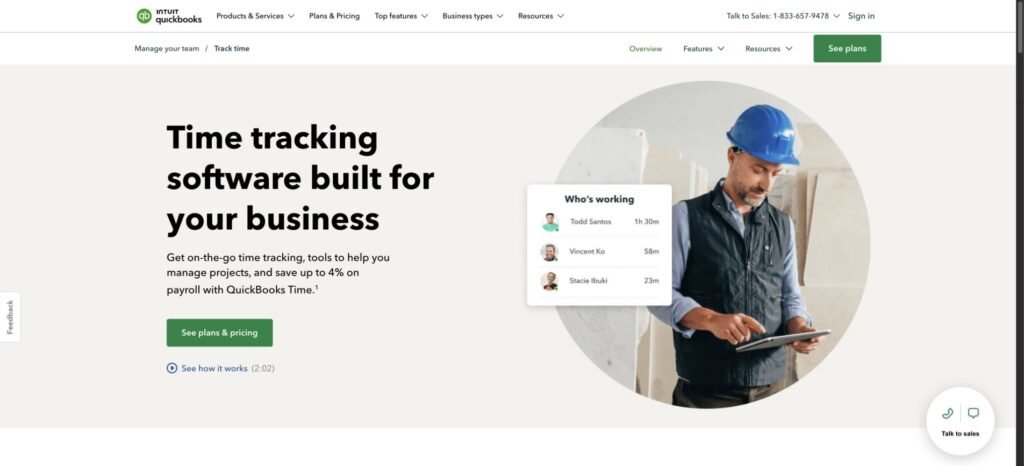
QuickBooks Time
Best for: Businesses already centered on the QuickBooks ecosystem
- Shift creation, assignment and publishing
- Recurring shifts and templates
- Mobile schedule access
- Time-off workflows
- Scheduled-versus-worked reporting
- QuickBooks payroll and accounting integration
QuickBooks Time can reduce tool sprawl for existing QuickBooks customers, but it is difficult to justify as a scheduling-first purchase.
Pros
- Tight QuickBooks ecosystem fit
- Good connection between time and scheduled work
- Strong payroll and accounting context
Cons
- Weak scheduling-first self-service
- Expensive when scheduling is the primary need
Managers can create, assign and publish shifts, use recurring scheduling and connect scheduled work with time tracking and payroll. That integration is the main reason to consider it. Businesses already centered on QuickBooks may prefer keeping another operational workflow inside the same ecosystem rather than adding a separate scheduler.
The scheduling feature set is much thinner than the dedicated products above it. Current US documentation does not establish employee availability, self-claimable open shifts, true swaps, auto-scheduling, qualification-based eligibility or deeper scheduling compliance. The large public review totals also cover time tracking far more broadly than scheduling. At the current Workforce price, those gaps are significant for a buyer whose main problem is employee scheduling.
What matters most when choosing scheduling software
Start with the workflows that create the most work for your managers. A long feature list is less useful than a product that handles recurring scheduling problems cleanly.
Post-publication changes
Check what happens after the schedule goes live. Can employees update availability, claim open work or initiate swaps? Can managers require approval? Does an approved change update the official schedule automatically? These workflows often determine how much manual coordination the software actually removes.
Automation and staffing logic
Auto-scheduling ranges from simple shift filling to systems that account for demand, roles, qualifications, overtime, rest rules and labor budgets. Verify what the automation considers and which plan includes it. Treat AI claims separately from useful scheduling logic.
Mobile reliability
Employees often interact with the schedule almost entirely through a phone. A strong desktop scheduler loses value quickly if workers miss notifications, cannot load the current schedule or struggle to complete common requests. Review mobile evidence separately from general product ratings.
Qualifications, locations and labor rules
Multiple locations, departments, roles, certifications and labor constraints create complexity quickly. If the business depends on specific skills or credentials, verify that eligibility rules can prevent an otherwise available employee from taking the wrong shift.
The price of the required plan
Compare the tier that includes the workflows you actually need. Auto-scheduling, API access, qualification rules, forecasting and advanced compliance are commonly gated behind higher plans. A cheap starting price can be misleading when the useful scheduling functionality sits elsewhere.
How much does employee scheduling software cost?
Pricing falls into a few common models. Per-user products such as When I Work and Deputy can be inexpensive for small teams and expensive at larger headcounts. Homebase and 7shifts price primarily by location. Connecteam uses a flat price for the first 30 users on its main plans, while Findmyshift uses per-team pricing. Enterprise platforms such as Workforce.com, Quinyx and Humanforce use custom commercial terms.
The important number is the cost of the plan that includes your non-negotiable features. If the team needs auto-scheduling, skills or qualifications, API access, forecasting or complex compliance rules, check those entitlements before comparing prices.
If staying at $0 is the main constraint, use the dedicated free employee scheduling apps comparison. Smaller teams should also compare scheduling software for small businesses because the pricing model can matter as much as the advertised entry price.
How to compare your finalists
Write down your non-negotiables first: employees, locations, roles, qualifications, open-shift workflow, swap rules, availability requirements and integrations. Eliminate any product that fails a core workflow before spending time on secondary features.
Then compare the manager and employee experiences separately. A clean schedule builder does not help much if employees struggle to see changes or complete common requests on mobile.
Finally, test the finalists with a real week of scheduling before buying. Build the normal schedule, introduce a call-out, create an open shift, try a swap and change availability. Ask the managers and employees involved where the process creates friction.
FAQs
What is employee scheduling?
Employee scheduling is the process of planning, assigning, publishing and updating employee shifts based on staffing needs, employee availability and operational constraints. Scheduling software helps manage that process, while the underlying staffing decisions remain with the business.
Does Microsoft have employee scheduling software?
Yes. Microsoft Shifts is the scheduling and time-tracking app inside Microsoft Teams. It supports assigned and open shifts, time-off requests, shift swaps and offers, mobile access and a time clock. It is not ranked here because we could not establish a sufficiently product-specific independent user-review corpus for fair scoring.
Is there free employee scheduling software?
Yes. Several products offer ongoing free plans, but limits vary by employee count, locations, scheduling horizon and feature access. Free plans can work well for simple teams and become restrictive once the business needs more automation, integrations or advanced controls.
How secure is online employee scheduling software?
Security varies by vendor. Check the provider’s current documentation for encryption, permissions, MFA or SSO, audit logs, privacy practices, data residency where relevant, and certifications such as SOC 2 or ISO 27001. The right standard depends on the data the system stores and your own compliance requirements.
More scheduling software guides
Free employee scheduling apps: Compare ongoing $0 plans and the limits that trigger an upgrade.
Scheduling software for small businesses: Compare products by setup effort, realistic small-team cost and operational simplicity.
Crew scheduling software: Compare tools for assigning crews across jobs, sites and changing field work.