
Shift scheduling guide
Employee Scheduling Conflicts: How to Identify and Resolve Them
Identify common employee scheduling conflicts, resolve overlapping shifts, protect role coverage, and prevent errors after schedule changes.
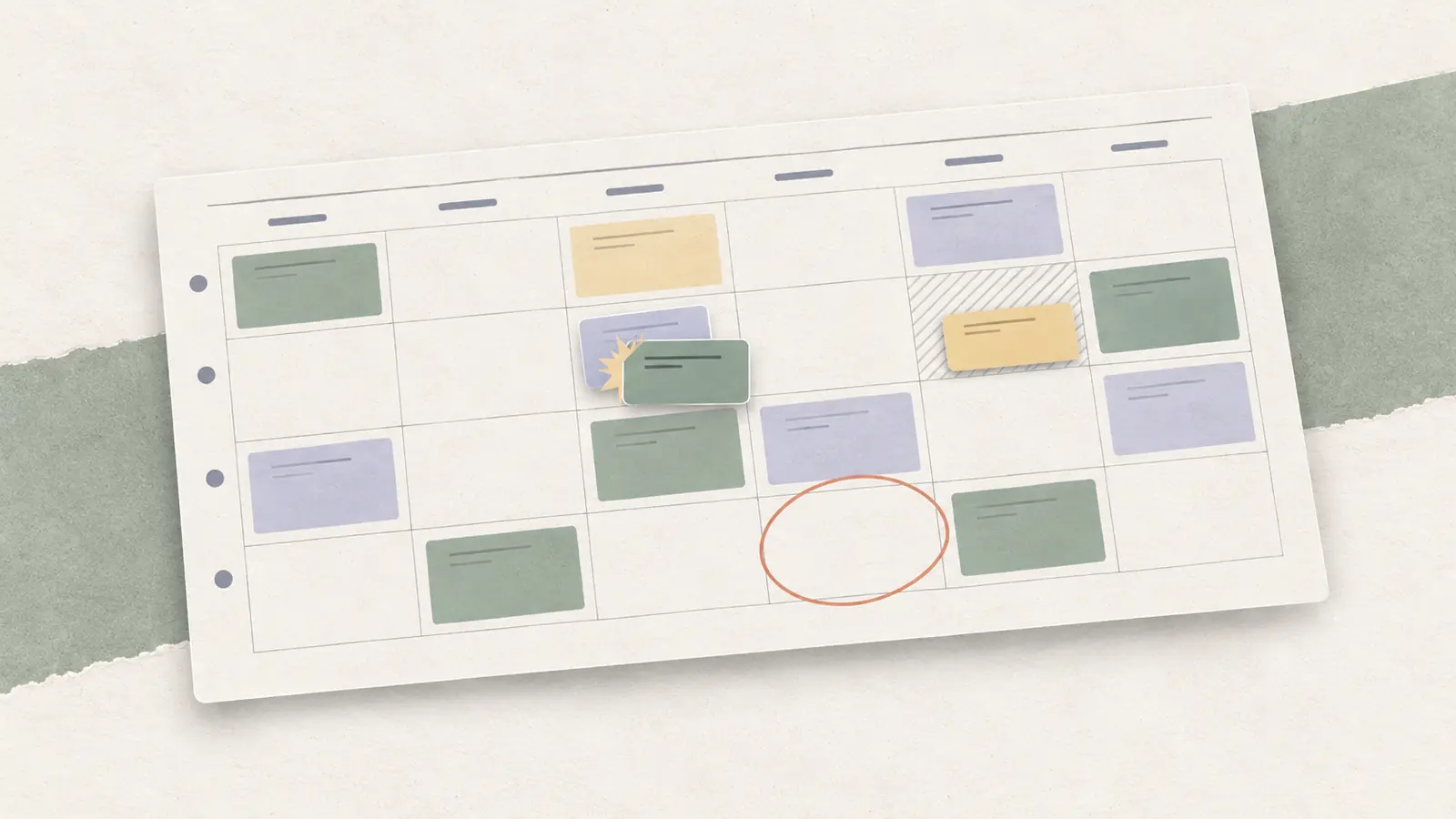
A schedule can look complete and still contain problems that make it impossible to run as planned. In shift scheduling, an employee may be assigned to overlapping shifts, scheduled while unavailable, booked at two locations, placed into a role they are not qualified to cover, or left working from an outdated version after a change.
A reliable way to handle these problems is to treat each conflict as a constraint to identify, resolve, and then re-check. Fixing one assignment is not enough if the change creates a new coverage gap somewhere else.
Quick answer: What is a scheduling conflict?
An employee scheduling conflict is a clash between two or more scheduling requirements, or an assignment that contradicts a known constraint such as availability, another shift, a required qualification, location, coverage, or timing.
A practical conflict check asks three questions:
- What requirement cannot be satisfied?
- What is the smallest valid change that resolves it?
- What else must be re-checked after that change?
This guide is specifically about employee work and shift schedules. It does not cover meeting calendars, appointment scheduling, project timelines, or general workplace conflict.
Scheduling Conflict Meaning
A scheduling conflict is not limited to two shifts that overlap on a calendar.
For employee schedules, a conflict exists when the planned assignment and the scheduling inputs cannot both be true at the same time. That could be obvious, such as one employee assigned to two shifts from 2 p.m. to 6 p.m. It can also be hidden, such as a shift that looks covered but is assigned to someone who lacks the required qualification.
Some scheduling conditions need review without automatically making an assignment invalid. Projected overtime is one example. Under the federal Fair Labor Standards Act, covered nonexempt employees generally must receive overtime pay for hours worked over 40 in a workweek. The FLSA does not itself cap weekly hours for employees age 16 and older, so the scheduling issue is the resulting overtime obligation and any other rules or workplace policies that apply.
The same distinction matters for rest and fatigue. OSHA notes that long work hours and extended or irregular shifts may contribute to worker fatigue. Use a demanding pattern as a trigger to review the rules that apply and the operational risk.
A useful way to triage a schedule issue is:
- Hard conflict. Two conditions cannot both be satisfied under the current schedule, such as overlapping shifts, an unavailable employee, or a missing required qualification.
- Review condition. The assignment may still be possible, but it needs another check, such as projected overtime, rest exposure, or a location transition that may be unrealistic.
- Preference. The employee would prefer a different assignment, but the preference does not automatically make the current assignment impossible unless the business has chosen to treat it as a scheduling constraint.
Keeping those three states separate helps managers avoid treating every warning as equally severe.
Scheduling Conflicts
The matrix below keeps the focus on employee work schedules and shows the full chain from the visible conflict to the manager’s first action and the re-check that follows.
| Conflict type | Hypothetical example | Hidden cause / operational risk | First action + re-check |
|---|---|---|---|
| Overlapping shifts | Priya is assigned 10 a.m.-4 p.m. at Store A and 3-7 p.m. at Store B. | Separate location schedules hide a one-hour overlap. One assignment cannot be worked as planned. | Confirm both assignments, change one, then re-check the location that lost coverage. |
| Availability mismatch | Sam is scheduled 6-10 p.m. but current availability ends at 5 p.m. | The schedule uses stale or ignored availability. The assignment may fail when the employee sees it. | Confirm the effective availability record, reassign if needed, then re-check coverage. |
| Location transition | Jordan finishes at Site A at 4 p.m. and starts at Site B at 4 p.m. 25 minutes away. | No travel buffer was considered. Both shifts look valid in isolation but the transition is unrealistic. | Adjust the timing or assignment, then re-check both sites. |
| Qualification mismatch | Casey is assigned as closing lead but does not hold the required authorization. | Headcount is treated as coverage even though the required role is not actually covered. | Replace the assignment with an eligible worker, then re-check hours and role coverage. |
| Projected overtime | Maya would move from 38 to 46 scheduled hours after an extra shift. | The extra assignment is checked without reviewing the employee’s weekly total. Overtime cost or other rules may apply. | Review projected hours and applicable policy or rules, then re-check alternative employees if needed. |
| Rest / fatigue exposure | An employee closes at 11 p.m. and is scheduled to reopen at 6 a.m. | Each shift was checked separately. The pattern may create fatigue risk or interact with applicable rest rules. | Review the applicable constraints and consider another assignment, then re-check coverage. |
| Coverage gap after a change | An approved absence removes the only cashier from 5-9 p.m. | The employee change is processed without re-checking the staffing requirement. | Mark the gap clearly, fill it through the appropriate process, then re-check role coverage. |
| Stale schedule version | A reassignment is approved in a message but the official schedule still shows the old location. | Managers and employees are working from different sources of truth. Two locations may expect the same employee. | Confirm the approved change, update the official schedule, notify affected people, then re-check both locations. |
Several conflict types deserve special attention.
Overlapping shifts. One employee is assigned to two shifts that overlap in time. The fix may seem obvious, but removing one assignment can create an uncovered shift that still needs to be filled.
Availability mismatch. An employee is assigned during a time they are not currently available. Check the current employee availability record before changing the schedule, especially if managers have been collecting availability through more than one channel.
Cross-location double-booking. Two location schedules can each look correct while the combined employee schedule is impossible. A manager should check the employee’s complete day, including realistic travel time where locations differ.
Qualification mismatch. A shift can be fully staffed by headcount and still lack valid coverage. If a role requires a specific qualification, authorization, or skill, replacing the employee with another person is only a fix if that requirement remains covered.
Overtime exposure. Projected hours can reveal that a proposed assignment may create overtime. Treat this as a review condition. Check projected hours before publication and actual hours for payroll compliance.
Rest or fatigue exposure. Back-to-back, extended, or irregular shifts may create fatigue risk and may also interact with rules that apply to a particular jurisdiction, industry, agreement, or workplace. Review the specific constraints that apply before confirming the assignment.
Coverage gap after a change. A call-out, reassignment, approved absence, or other schedule change can solve one employee problem while leaving required work uncovered. If no employee owns the work after the change, the result may need to be handled as an open shift.
Stale schedule version. The manager may make a valid change and still create a conflict if employees or supervisors are looking at different versions. A schedule change is not operationally complete until one official source of truth reflects the change and the affected people know which version is current.
Hypothetical pre-publication example: a conflict caught before employees see the schedule
A two-location retail business is preparing next week’s schedule. Casey appears on the schedule for Store A from 9 a.m. to 3 p.m. and Store B from 2 p.m. to 6 p.m. Each location looks fully staffed when viewed separately. Assume Store A needs Casey’s authorization for the full 9 a.m. to 3 p.m. shift, so Store B is the assignment that must change.
| View | Tuesday assignment | Conflict status | Result |
|---|---|---|---|
| Store A | Casey, 9 a.m.-3 p.m. | Overlaps Store B from 2-3 p.m. | Keep Casey at Store A |
| Store B | Casey, 2-6 p.m. | Overlaps Store A from 2-3 p.m. | Remove Casey; 2-6 p.m. becomes uncovered |
| Re-check | Store B still needs 2-6 p.m. coverage | Overlap is gone, but a coverage gap remains | Assign another eligible employee or handle the work as an open shift |
The conflict is the one-hour overlap, but the hidden cause is that each location manager built assignments without checking Casey’s complete schedule.
The first fix is to remove or change one of Casey’s assignments. The manager then has to re-check coverage at the location that lost Casey. If Store B still needs the 2 p.m. to 6 p.m. coverage, removing Casey resolves the overlap and leaves Store B uncovered.
Every conflict resolution changes the schedule state, so re-run the relevant checks after each fix.
Hypothetical post-publication example: a stale version creates a new conflict
A manager publishes the weekly schedule on Friday. On Monday, a coverage change moves Devon from Location A on Wednesday afternoon to Location B at the same time. The manager tells Devon and the Location B supervisor, but the official schedule is not updated.
On Wednesday, the Location A supervisor still sees Devon assigned there. Location B expects Devon because of the approved change. Both supervisors are working from information that appears authoritative.
This is a version-control conflict: the approved change exists outside the official schedule.
The manager should first confirm which change was actually approved, update the official schedule, notify both locations, and then re-check the resulting coverage. If removing Devon from Location A leaves required work uncovered, that gap then needs its own coverage resolution.
This kind of stale-version conflict can survive even when the underlying change itself was reasonable.
Scheduling Conflict Resolution
Use the same sequence every time instead of jumping straight to a replacement employee.
- Identify the conflicting constraint. Name the exact incompatibility: overlap, availability, qualification, location, hours, coverage, or schedule version.
- Confirm the current source data. Check the latest availability, approved time off, role or qualification information, assigned shifts, locations, and the current official schedule.
- Identify eligible fixes. Consider only changes that can actually satisfy the missing requirement.
- Choose the smallest valid change. Prefer the option that resolves the conflict while preserving required coverage and the constraints that still apply.
- Update the official schedule. Once the decision is approved, put the change into the source of truth and remove any side-channel ambiguity.
- Notify the affected employees and managers. Communication should point back to the updated schedule.
- Re-run conflict checks. A fix can create a new overlap, qualification gap, overtime exposure, location problem, or uncovered shift.
Before publication
Before employees receive the schedule, conflicts are easier to repair because there is not yet a published assignment to unwind.
Check each employee’s full schedule for overlaps, current availability, approved time off, location feasibility, role and qualification requirements, projected hours, and any applicable rest or scheduling constraints. Then check coverage again by shift, role, and location.
If a conflict is found, correct the underlying assignment and repeat the relevant checks. Do not simply move the problem to another employee.
After publication
Start by confirming which schedule version is current and what changed.
Then choose the resolution path that matches the actual problem. A direct reassignment may work if another eligible employee can take the shift. An approved employee-to-employee exchange may belong in the shift swaps process. If nobody is assigned after the change, move the gap into the open-shift process.
After the change is approved, update the official schedule and communicate the result. Then re-run the conflict checks around the affected employees, shifts, roles, and locations.
A compact conflict-resolution rule
A schedule change is ready only when all three conditions are true:
- The original conflict no longer exists.
- Required coverage still exists.
- The updated official schedule contains no new conflict created by the fix.
If any of those conditions fails, the resolution is incomplete.
Do two shifts clash?
Enter two shifts for the same employee. See if they overlap, if there is time to travel between them, and if the person gets enough rest in between.
Your calculation
This is a planning estimate. Before you publish a real schedule, check who is available, their skills, and any rules that apply.
How this calculation works
A shift that crosses midnight is treated as ending the next day. The tool lines up the two shifts and checks for overlap, travel time, and the rest time you set.
How to Prevent Scheduling Conflicts
Prevention depends less on memorizing conflict types and more on keeping the inputs current and checking them in a consistent order.
Use one source of truth. Employees and managers should be able to identify the current schedule without comparing screenshots, printouts, chat messages, and old spreadsheets.
Keep scheduling inputs current. Availability, approved time off, roles, qualifications, locations, and recurring restrictions need clear ownership and effective dates.
Check the employee view and the coverage view. A location can appear fully staffed while one employee is double-booked. An employee schedule can look valid while a required role remains uncovered.
Separate hard conflicts from review conditions. An overlap or missing qualification needs a different response from projected overtime or a preference. Define which conditions block publication and which require manager review.
Run checks after every material change. Post-publication edits, call-outs, reassignments, open-shift assignments, and approved swaps can introduce problems into a schedule that was previously clean.
Use a defined change workflow. Decide who can approve changes, where the current schedule is updated, and how affected employees are notified.
When automated conflict detection becomes useful
Manual checks can work for a small, stable team. They become harder when employees work across several locations or roles, availability changes frequently, qualifications matter, or managers make many post-publication changes.
Employee scheduling software can help centralize availability, assignments, qualifications, hours, and schedule changes so managers can see potential conflicts in one place. Automation should support a defined scheduling policy; managers still decide which constraints matter.
Double-check the result: After adjusting one overlapping assignment, inspect the original and replacement employee’s remaining shifts, required qualifications, location and travel, and any locally required recovery periods. The sample conflict checker lets you enter a planning threshold; it does not claim that a single rest-hour minimum applies nationwide.
Final takeaway
Catching scheduling conflicts before publication avoids having to unwind assignments that employees have already received. The same checks should also run after every material change.
Define the constraints that matter for your operation, keep the source data current, resolve the exact incompatibility, and then re-check the schedule after the fix. The job is not finished until the official schedule reflects a workable assignment and the change has not created a new problem somewhere else.
Looking for scheduling software?
Tools can catch scheduling conflicts earlier
Scheduling software can flag overlaps, unavailable employees, overtime risks, and missing coverage before publication.